Zlt S10g 2101 Full Admin Access Link Link -
ZLT S10G 2.10.1 (specifically version ) requires specific login credentials or specialized scripts to achieve full admin access, which unlocks hidden features like band locking and "openlining" (network unlocking). Standard & Default Access
What Does Full Admin Unlock?
Once inside the 2101 Admin Panel, you gain access to:
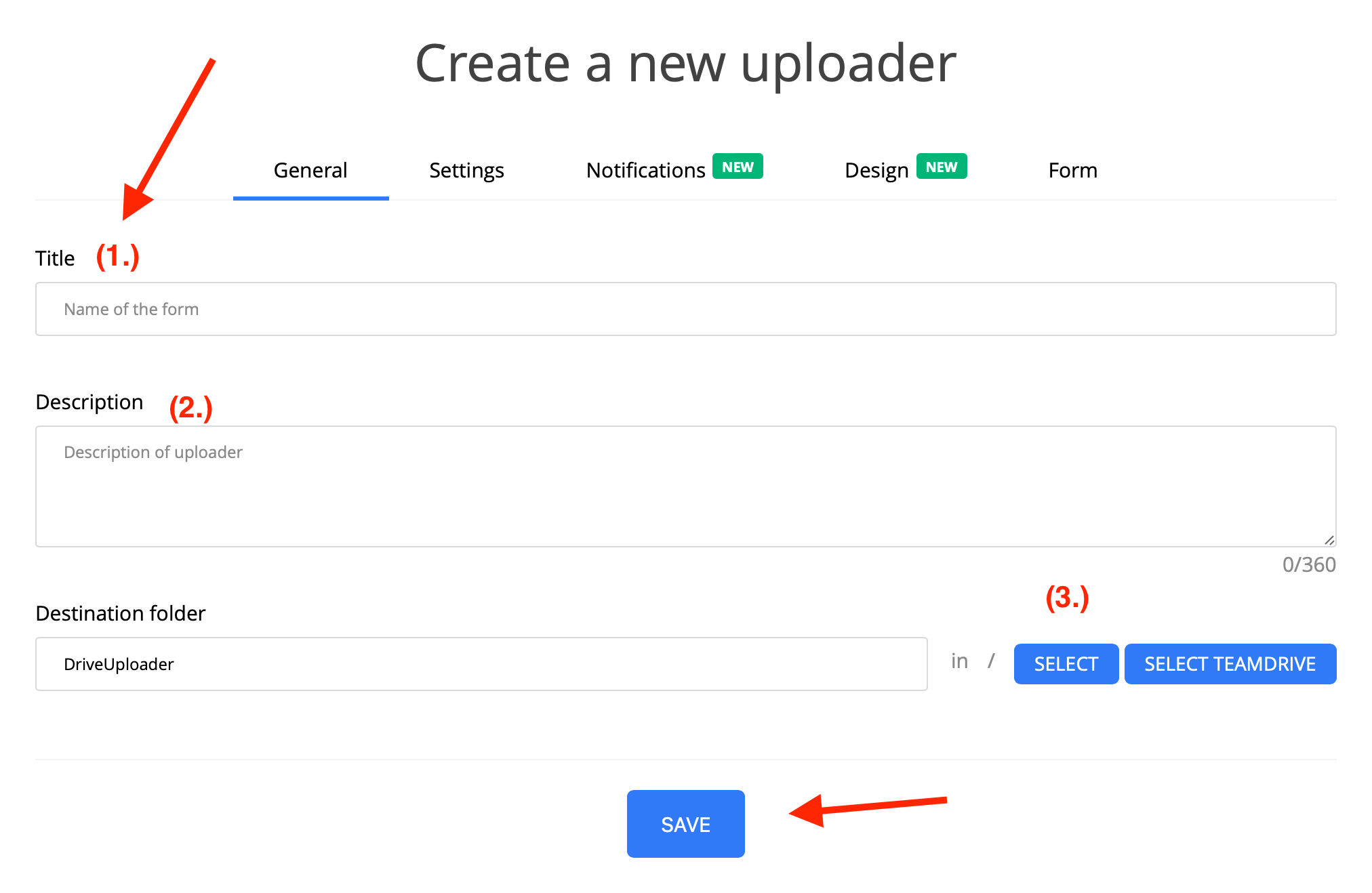
Change Default Credentials: For security purposes, it's highly recommended to change the default admin login credentials to something secure and unique upon initial setup. zlt s10g 2101 full admin access link
Connect to the router and navigate to http://192.168.254.254/S10Gexport_sys_config.bin to download the backup.
Script Source: Search for the "ZLT-S10G 2.10.1 to 2.11.3" script on platforms like GitHub or specialized tech forums (e.g., Backspace Discord). ZLT S10G 2
Login credentials:
Direct Config Export: Download Config File (Must be connected to the router). Connect to the router and navigate to http://192
Tip: If unknown, try admin:admin, then check router sticker for a unique password.